 Squatch Hunter Alpha

Contents
- What you need
- Setting up a game (host)
- Joining a game
- Choosing a team
- Hunters: placing your campfire
- Host settings explained
- Setting the play area (optional)
- Gems (optional)
- Starting the match
- How to play: Hunters
- How to play: Squatch
- Winning the game
- After the match
- Tips for a good game
- Troubleshooting
1. What you need
- At least 2 players — one Hunter and one Squatch, minimum. Plays best with 3-8.
- A phone each, with a modern browser (Chrome or Safari) and location services turned on. This game only works outdoors with a real GPS signal — it won't work sitting inside far from a window.
- An open outdoor space — a park, a yard, a neighborhood block. The bigger and more open, the better the GPS accuracy.
- Everyone needs the same game code, from whoever creates the game.
2. Setting up a game (host)
- Open the game and type your name.
- Tap Create a new game. You'll get a 4-character game code (like 7XQ2).
- Share that code with everyone else — text it, say it out loud, whatever's easiest.
- As host, you'll see extra controls other players don't: game settings sliders and a Start button. Everyone else just sees a simple "waiting for host" message.
3. Joining a game
- Open the game and type your name. Names must be unique within a game — if someone's already using it, you'll be asked to pick another.
- Enter the 4-character code the host gave you.
- Tap Join game.
4. Choosing a team
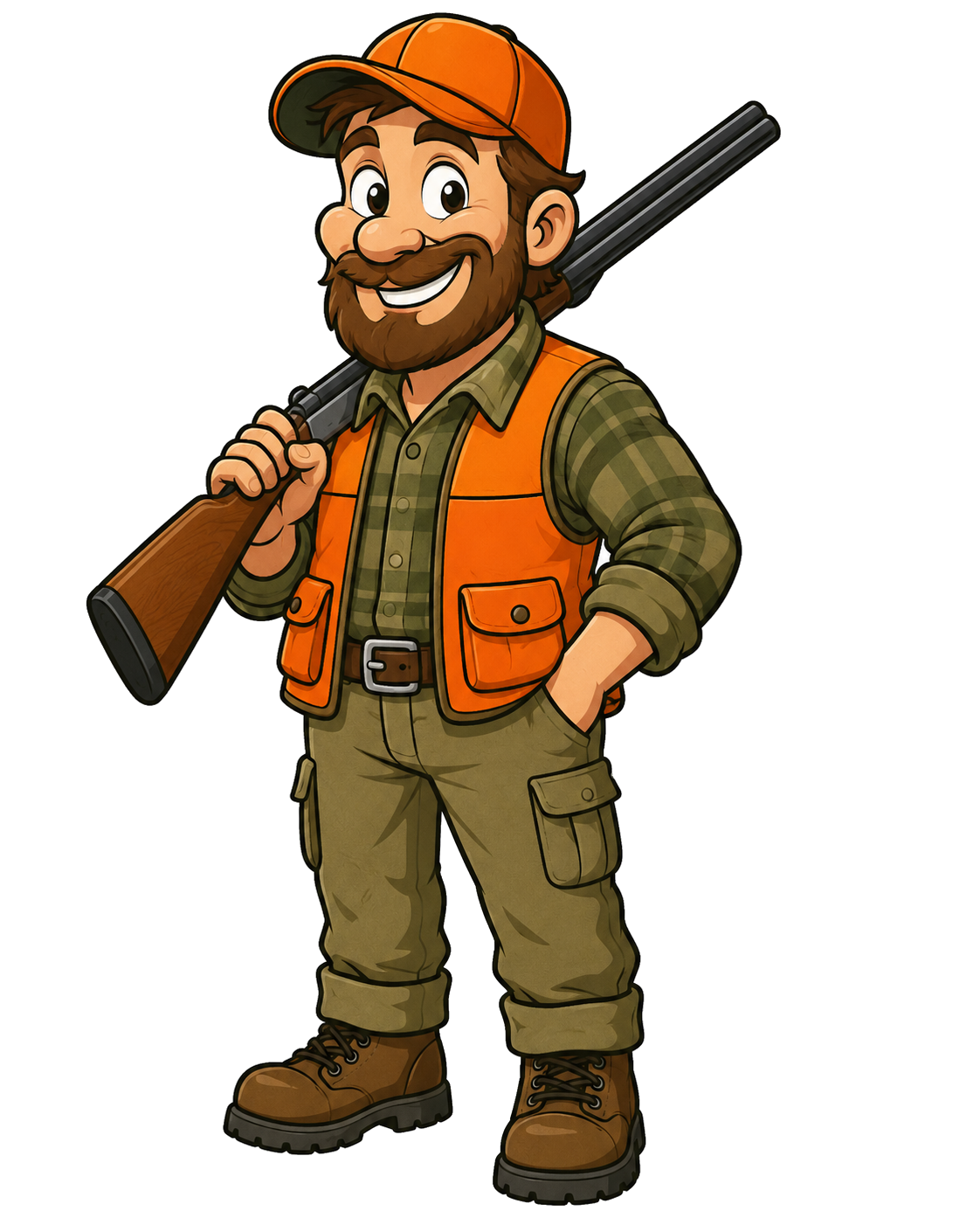
Hunters
Defend your campfire. Hunt down the Squatch.

Squatch
Sneak past the Hunters. Destroy every campfire.
Tap a team in the lobby to join it. You can switch teams anytime before the match starts, as long as you haven't readied up.
5. Hunters: placing your campfire
The moment you pick Hunters, you'll be sent to a map to place your campfire — tap anywhere to drop it, drag to fine-tune, then confirm. This is the thing your team is defending.
- You can't place a campfire inside a building — the game checks mapped building footprints and blocks placement there.
- If the host has set a play area boundary, you can't place a campfire outside it either.
- You can reposition your campfire anytime before the match starts by tapping Move campfire in the lobby.
6. Host settings explained
Only the host sees these controls. Everyone else sees a read-only summary of the current settings.
| Setting | What it does |
|---|---|
| Match timer | How long the match runs. If Squatch are still free when time's up, they win — this keeps Hunters from just camping their campfire and waiting. Set to 0 to turn it off. |
| Catch radius | How close a Hunter must get to auto-capture a Squatch, or a Squatch must stay to start destroying a campfire. |
| Detection radius | How far away you get a pulsing red screen warning that an enemy is nearby — a wider alert zone before the catch radius kicks in. |
| Campfire destroy time | How many seconds a Squatch must stay next to a campfire, uninterrupted, before it's destroyed. |
| Decoys per hunter | How many fake campfires each Hunter can plant during the match. |
| Decoy duration | How long a deployed decoy sticks around before vanishing. |
| Roars per squatch | How many times each Squatch can use the Roar ability during the match. |
| Play area | An optional circular boundary for the match — see the next section. |
7. Setting the play area (optional)
The host can draw a circular boundary for the match — tap 🗺️ Set play area, tap the map to place the center, and drag the radius slider to size it. This is entirely optional; skip it and players can play anywhere.
- The boundary is shown as a dashed circle on the map during setup and during play.
- Campfires can't be placed outside it.
- Players get a warning banner if they wander outside it during the match — this is a heads-up only, not an automatic penalty.
8. Gems (optional)
A side quest anyone can play, on either team, alongside the main hunt — entirely optional and separate from winning the match.
- Requires a play area to be set (see the section above) — the host setting for this only appears once one is defined, since gems need a boundary to scatter across.
- The host chooses how many gems are on the map, from 0 (off) up to 30. A full, fixed set of gems is scattered across the play area the moment the match starts — none respawn once collected.
- Gems come in three values — Gold, Silver, and Bronze — with gold always the rarest, no matter how many total gems the host chose.
- Walk up to a gem to collect it automatically, same range as catch radius — no button to tap. It disappears from the map for everyone the instant it's collected.
- Gem points are a fun bonus stat only — they never affect who wins the match. The player with the most total points, on either team, is celebrated as the Top Collector on the results screen.
- Chasing a gem means eyes off the map for a moment — weigh that against staying alert for the real hunt.
9. Starting the match
- Once you've picked a team (and placed a campfire, if you're a Hunter), tap Ready.
- The host's Start game button only lights up once everyone is ready and both teams have at least one player.
- When the host starts the match, everyone sees a synced 3-2-1-GO countdown before play actually begins.
10. How to play: Hunters
Your goal: capture every Squatch, or protect your team's campfires until time runs out.
- Auto-capture: get within catch radius of a Squatch and they're captured automatically — no button to tap. If you feel the screen pulse red, an enemy is somewhere within the wider detection radius; get closer and the capture happens on its own. Every capture flashes a brief marker at the exact spot for everyone to see, on both teams.
- You can't see Squatch positions on the map — only the red pulse tells you one is somewhere nearby.
- Deploy Decoy: plant a fake campfire at your current spot. It looks identical to a real one to Squatch — if they waste time trying to destroy it, nothing happens.
- Campfire under attack: if any Squatch starts working on a campfire, that campfire's owner gets an urgent alert (sound + vibration), and the campfire itself pulses red on everyone's map for as long as the attack continues.
- Watch for the match timer if one's running — if it hits zero with any Squatch still free, you lose even if every campfire is still standing.
11. How to play: Squatch
Your goal: destroy every campfire, or simply survive until the match timer runs out.
- Campfires are always visible to you on the map — you know where every target is.
- Destroying a campfire takes time: get within catch radius and stay there, uninterrupted, for the full destroy-time countdown shown on screen. Wander off before it completes and the progress resets — you'll need to start over.
- Decoys look exactly like real campfires. If you finish channeling one and nothing happens, that's what it was — you'll be told, and that specific campfire is marked as fake for you going forward (your teammates won't know unless they find out too).
- You can't see Hunter positions — only the red screen pulse warns you one is within detection radius.
- Roar is your escape tool: tap it to broadcast your rough location to nearby Hunters in exchange for several seconds of guaranteed capture immunity. High risk, high reward — use it to slip away when you're about to get caught, not casually. You only get a limited number per match (the host sets how many), plus a cooldown between uses — the button shows how many you have left.
12. Winning the game
Hunters win if…
Every Squatch is captured.
Squatch win if…
Every campfire is destroyed, or the match timer runs out with at least one Squatch still free.
13. After the match
Everyone sees a results screen: total match length, and per-player stats — captures or campfires destroyed, time in the game, and final status.
Tap Play again to reset straight back to the lobby for another round with the same group, code, and settings — no need to re-create a game from scratch. Team picks, campfire locations, and host settings all carry over; only round-specific stuff (ready status, captures, caught status) resets.
14. Tips for a good game
- Play somewhere reasonably open — dense tree cover, tall buildings, and being deep indoors all hurt GPS accuracy.
- Keep the game open in your browser and your screen on during play — the app tries to keep your screen awake automatically, but backgrounding the app can interrupt location tracking.
- Make sure your phone has a decent charge — continuous GPS use drains battery faster than normal.
- If you're on iPhone, sounds may not play until you've tapped something on the page first — that's a browser restriction, not a bug.
- Vibration feedback doesn't work on iPhone at all (Apple doesn't support it in any iOS browser) — don't worry if you don't feel a buzz on captures even though Android players do.
15. Troubleshooting
| Problem | Likely fix |
|---|---|
| Can't create or join a game — location error shown | Location access was denied, unavailable, or timed out. Check your browser's site settings and make sure location is allowed for this page. |
| Red banner says location was lost mid-game | Your GPS signal dropped. Move somewhere with a clearer view of the sky. If it doesn't recover within the grace period during an active match, you'll be removed from that round — you can rejoin the lobby for the next one. |
| Can't hear any sound effects | Check the mute toggle in the lobby, and make sure you've tapped something on the page first (required by the browser, especially on iPhone). |
| Trying to join a second game from the same phone and it's not working | Two browser apps both actively using GPS at once can cause slow location fixes. Give it a little longer, or try a different browser app. |
| Can't place a campfire where you want | You're either inside a mapped building or outside the host's play area boundary, if one is set. The status message under the map will say which. |